
AI rules and MCP help even without Uclusion
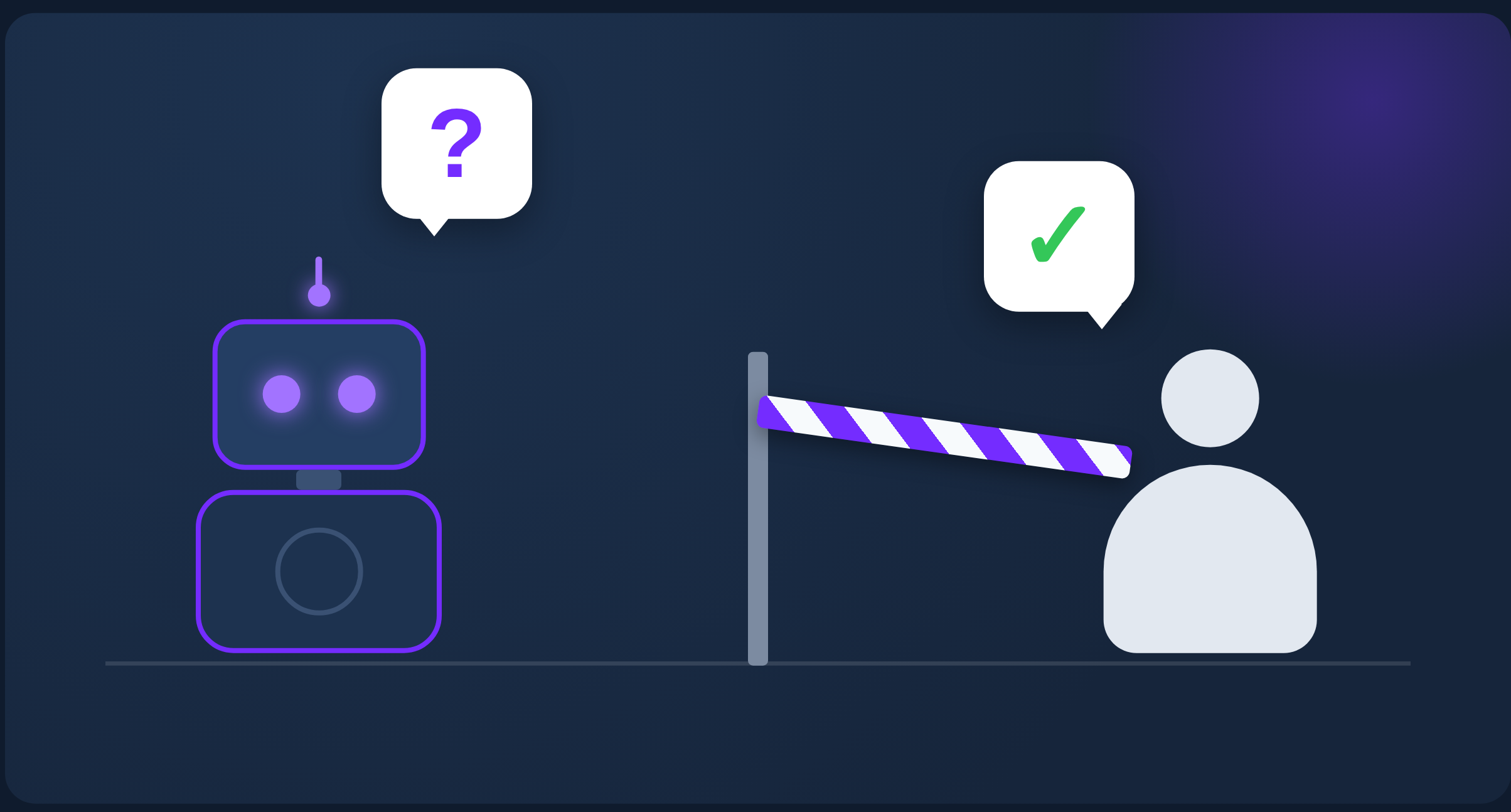
Part of Uclusion’s AI collaboration isn’t really about Uclusion at all. It comes down to two pieces you can build for almost any system:
- A rules file that turns a coding agent into a disciplined collaborator instead of an eager intern that runs off and does the wrong thing.
- An MCP server (and a tiny proxy for auth) so the agent can actually read and write the system you care about.
Here is how to wire the same flow into whatever you already use.
A rules file is the workflow
Our public CLAUDE.md is a plain markdown file that pins the agent to an ordered workflow:
- Read the whole job before touching anything.
- Ask questions about anything ambiguous, before deciding.
- Make suggestions when it sees a better path, instead of silently going its own way.
- Approve with a recorded certainty once questions are answered.
- Execute and document decisions as it goes.
- Ask for review when there is a testable result.
Two rules do most of the work. First, questions come before decisions — any judgment call a reasonable reviewer might make differently is a question, not a silent guess. Second, every artifact lives in the system, not in chat — questions, suggestions, approvals, and progress notes are written back through tools so the next session (yours or the agent’s) can pick up the thread.
This can be a template. Point the rules at your own MCP tools, rename the steps, drop the ones you do not need. You do not even need an MCP server to start — you can write the rules to say “at this step, paste the ticket here” or “stop and show me the diff” and run the whole flow by hand in the AI console. The discipline is in the file, not in the integration.
Your own MCP server is not hard
Once the rules reference tools, you need an MCP server behind them. There is less here than people expect. MCP is JSON-RPC, and a server really only has to answer three methods: initialize, tools/list, and tools/call. Everything else is your own business logic.
Here is the shape of our request validator — reject anything that is not a known method or a known tool:
from mcp.types import JSONRPCRequest
from ucommon.validators.abstract_request_validator import AbstractRequestValidator
from ucommon.validators.business_logic_exception import BusinessLogicException

class MCPServeValidator(AbstractRequestValidator):
    def validate_business_logic(self, user_id, data, event):
        if data.get('method') in ['notifications/initialized', 'notifications/cancelled', 'ping']:
            return {}
        # Validate the incoming request with the official SDK model
        request = JSONRPCRequest.model_validate(data)
        if request.method not in ("initialize", "tools/list", "tools/call"):
            raise BusinessLogicException(f"Method not found: {request.method}", 404)
        tool_name = None
        if request.method == "tools/call":
            tool_name = request.params.get("name")
            if tool_name not in ("get_job", "ask_question", "make_suggestion",
                                 "approve_job_or_option", "add_info", "resolve", "ask_for_review"):
                raise BusinessLogicException(f"Unknown tool: {tool_name}", 404)
        return {'request': request, 'tool_name': tool_name}
Then route the three methods and serialize a response. Note that Uclusion’s MCP server runs as an AWS Lambda so using the full FastMCP server launching its own instance was too heavy.
def post_validation_function(event, data, context, validation_context):
    request = validation_context['request']
    if request.method == "initialize":
        result_data = handle_initialize()
    elif request.method == "tools/list":
        result_data = handle_list_tools()
    elif request.method == "tools/call":
        result_data = handle_call_tool(request.params, validation_context['tool_name'])
    response = JSONRPCResponse(jsonrpc="2.0", id=request.id, result=result_data)
    return response.model_dump(by_alias=True, exclude_none=True)

def handle_initialize():
    return InitializeResult(
        protocolVersion="2024-11-05",
        capabilities={"tools": {}},
        serverInfo={"name": "your-mcp-server", "version": "1.0.0"},
    ).model_dump(by_alias=True, exclude_none=True)
handle_list_tools just returns one Tool entry per verb you expose. A tiny mock for some other system might look like:
def handle_list_tools():
    return ListToolsResult(tools=[
        Tool(
            name="get_ticket",
            description="Fetch a ticket and its comments by id.",
            inputSchema={
                "type": "object",
                "properties": {"ticket_id": {"type": "string"}},
                "required": ["ticket_id"],
            },
        ),
        Tool(
            name="add_comment",
            description="Add a comment to a ticket.",
            inputSchema={
                "type": "object",
                "properties": {
                    "ticket_id": {"type": "string"},
                    "body": {"type": "string"},
                },
                "required": ["ticket_id", "body"],
            },
        ),
    ]).model_dump(by_alias=True, exclude_none=True)
handle_call_tool then dispatches each name to your real code. That is the whole server — swap these stand-ins for whatever verbs your system needs.
Custom auth with a tiny proxy
The last piece is getting an agent on a developer’s laptop authenticated as a machine user against your backend. That is what our uclusionMCPProxy.py does, in about 150 lines.
It is intentionally boring: read credentials from a file under ~/.uclusion, log in to get a token, then sit in a loop reading JSON-RPC off stdin and POSTing it to the MCP endpoint with the token attached — handling both plain JSON and SSE responses and keeping the session id between calls. The agent speaks vanilla MCP over stdio; the proxy is the only thing that knows how to authenticate into your world.
This is the seam to copy. If your system has its own SSO, API keys, or a machine-user concept, you only have to change get_credentials() and login(). Everything downstream — the agent, the rules file, the tool definitions — stays the same.
“But the whole session is on disk — can’t AI just grep it?”
Every AI tool already wraps your work in a container of its own. Claude calls it a project, Cursor calls it a workspace, and in Codex it is roughly a collection of sessions. Different names, same contents: the instructions you wrote (CLAUDE.md, AGENTS.md, rules), any knowledge you uploaded, whatever memory the tool carries between sessions — and the sessions themselves. Your agent’s entire session is persisted to disk inside that container — every prompt, reply, and tool call, append-only and fully greppable. Nothing is deleted. So why isn’t a rules file plus a saved transcript the whole answer?
Because persisted and available when you need it are not the same thing.
- Compaction decides what the agent sees, not what is on disk. When the context window fills, the harness summarizes older turns so the conversation keeps fitting. The agent’s next decision is made against that summary; it does not re-read the raw transcript before every step. The bytes survive — the attention does not.
- Grep needs a librarian, and nothing is running one. To pull back “we settled on a 15-minute, single-use reset link,” something has to know that decision exists, know roughly how it was worded, and choose this moment to search. Compaction summarizes forward; it does not index and retrieve on demand. You can grep the log yourself — but then you are the librarian.
- A log cannot tell a final decision from a reversed one. The transcript is append-only and noisy: “let’s do 15 minutes” … later “actually, make it an hour.” Grep returns both with equal authority. There is no status, no marker that says this is the answer, no link back to the question it settled, no approval. And a decision made today is invisible to tomorrow’s session unless something deliberately carries it across.
You can close part of this gap by hand. The rules file can tell the agent to write each decision somewhere structured — a DECISIONS.md, or a memory file it reloads at startup — instead of leaving it in the scroll. That works, and it is worth doing. But you are building a small system of record, by hand, one convention at a time. A status field, a was this the final call, the link from a decision back to its question, an approval, the hand-off to the next session; each is now something you invent and maintain yourself.
Where Uclusion beats DIY
None of the rules and MCP setup above requires Uclusion — and none of it touches the project you already have. Connecting Uclusion is backwards compatible by construction: the MCP server is one entry in your agent’s config, and the workflow rules are a section appended to the rules file you are already using. Your Claude project — or Cursor workspace, or Codex sessions — keeps its instructions, its transcripts, and its memory, and keeps working exactly as before. There is no migration and no starting over; you can adopt Uclusion in the middle of a project, and removing it is as easy as deleting that config entry and that section.
What you gain is a second resource alongside the project: a job. The project remembers everything the agent did; the job records what was decided. That is exactly the system of record from the last section, with a rich UI where questions, options, approvals, and reviews are first-class objects — each with a life beyond a single session. The rules file keeps the agent honest; Uclusion is where you, the agent, and potentially teammates actually meet.
The decisions outlive the job, not just the session
The same argument scales up a level. A decision is not only invisible to tomorrow’s session unless something carries it across — it is invisible to your next job unless something carries it across. Chat has no answer here: last month’s project lives in a different thread the new conversation never opens.
In Uclusion every decision is an addressable object with a stable id that stays reachable after the job that produced it is closed. So an agent — or a teammate — starting a new job does not start cold; it can pull the relevant decisions straight out of a finished, separate job and build on them.
We hit this ourselves: an agent picking up a new job reached into a sibling job that had already wrapped, fetched a resolved decision and the reasoning recorded on it by their ids, and grounded the new work on them — without anyone re-explaining. The short code is the librarian the grep problem was missing. The agent does not scan a transcript and hope it guesses the wording; it asks for the decision by name and gets it back with its status and approval still attached.
Your whole backlog turns into one queryable record of what your team — and your agents — already decided.
If you want to see that side of it, signing up is free.
